


Parallels software: run Windows seamlessly on your Mac
With Parallels Desktop, you can run Windows on your Mac effortlessly without rebooting. This virtualisation software is designed for macOS users who need compatibility with Windows applications, without compromising on performance or ease of use. Perfect if you need business software, games, or specific Windows programmes on your MacBook or iMac. Thanks to seamless integration, you can work smoothly with files, printers, and network access as if it were a single system.
Choose a licence that suits your needs, whether you're working from home or running professional software. You’ll be up and running safely and reliably in just a few minutes. Discover what Parallels Desktop can do for a smooth, hybrid working experience on your Apple devices.
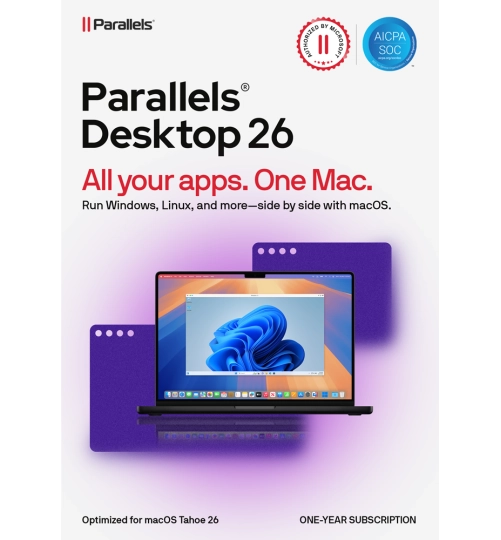
Parallels Desktop 26 Pro | 1 Year | 1 Installation
Savings -24%
Parallels | 1 device | 1 year
- The solution to run Windows on your Mac!
- Advanced VM settings
- Effortlessly runs tools like Visual Studio and AutoCAD
- Over 40 tools for daily use
Parallels Desktop 26 for Mac | 1 year | 1 installation
Savings -25%
Parallels | 1 device | 1 year
- Seamless integration between Windows and macOS
- Includes 40+ tools
- Effortlessly switch between operating systems
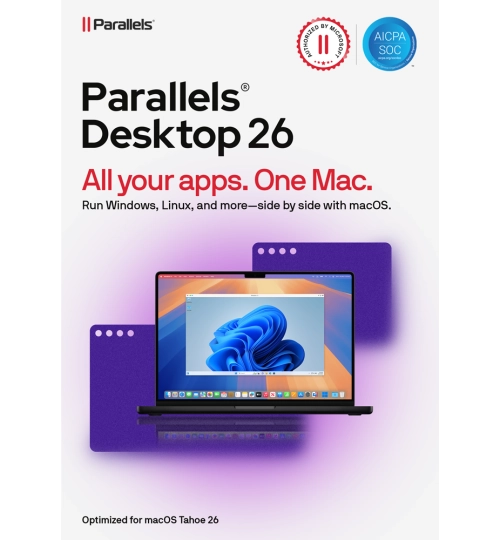
Parallels Desktop 26 for Mac | One-time purchase | 1 installation
Parallels | 1 device | One-time purchase
- One-time purchase, ready to use instantly
- Seamless integration between Windows and macOS
- Includes 40+ tools
- Effortlessly switch between operating systems
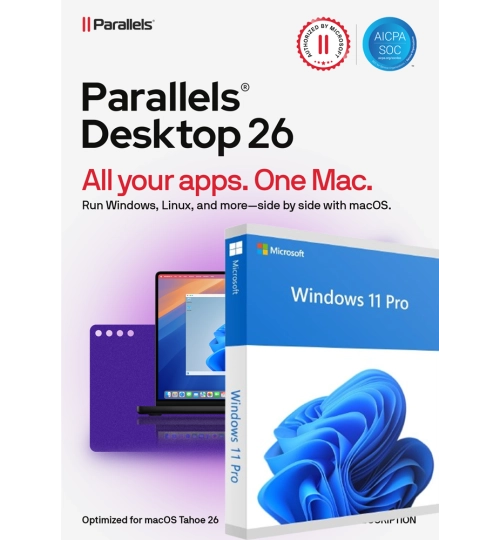
Parallels Desktop 26 for Mac | 1 Year | 1 installation + Windows 11 Pro
Savings -31%
Parallels | 1 device | 1 year
- Includes official Windows 11 Pro license
- Extra tools for everyday tasks
- Run Windows on your Mac without rebooting
- Smooth performance with heavy software
Parallels Desktop 26 Pro for Mac | 1 Year | 1 Installation + Windows 11 Pro
Savings -10%
Parallels | 1 device | 1 year
- Ideal for developers and designers
- Use Windows tools directly on your Mac
- Run Windows and macOS side by side
- Boost speed with extra CPU and RAM
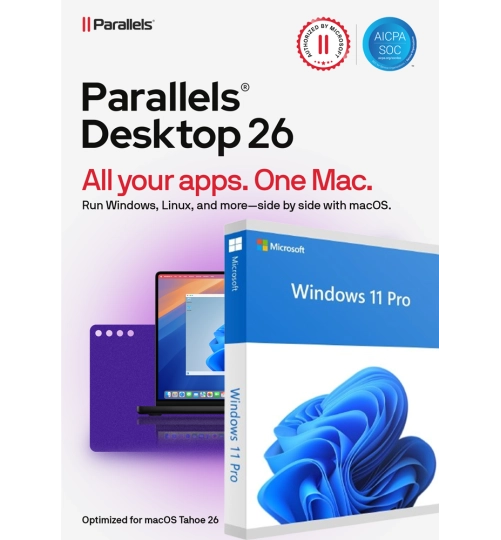
Parallels Desktop 26 for Mac | One-time purchase | 1 installation + Windows 11 Pro
Parallels | 1 device | One-time purchase
- One-time purchase, ready to use instantly
- Includes official Windows 11 Pro license
- Drag files and use apps seamlessly across systems
- Run Windows and macOS side by side, no reboot needed
Why choose Parallels Desktop?
Parallels Desktop is the go-to solution for running Windows on your Mac without restarting or creating separate partitions. It installs Windows as a virtual machine within macOS, allowing you to use both systems side by side. If you rely on Windows software like accounting programmes, CAD applications or specific business tools, Parallels is a reliable choice. It also offers flexibility for students who need mandatory Windows software or gamers wanting to play their favourite titles on macOS.
Versatile on both modern and older Macs
Parallels Desktop works on almost all recent Mac models and supports both older systems and the latest Apple Silicon generations. Whether you're using a MacBook, iMac or Mac mini, this software ensures a smooth experience when running Windows on your Mac. Regular updates guarantee top performance and excellent compatibility with connected devices like printers, external drives and networks. Transferring files between Windows and macOS is easy thanks to drag and drop. And you don’t need to be a tech expert: Parallels guides you step by step through the installation and setup of your virtual environment.
Use cases and benefits
With Parallels, you can use business software like Microsoft Office for Windows, as well as industry-specific tools that aren’t available on macOS. Are you a freelancer or work in an SME? Parallels supports file sharing, printing, copy/paste between systems and snapshot functionality for safe backups. For home users, it’s ideal for educational software or managing household admin. You can also combine it with a Windows licence for full functionality. Have more questions about installation or activation? Visit the customer service page.

