


Cloud back-ups
With a cloud backup, your files remain safely stored even in case of theft, loss, or damage to your devices. Thanks to automatic synchronization and encrypted storage, you always have secure access to your documents via an internet connection.
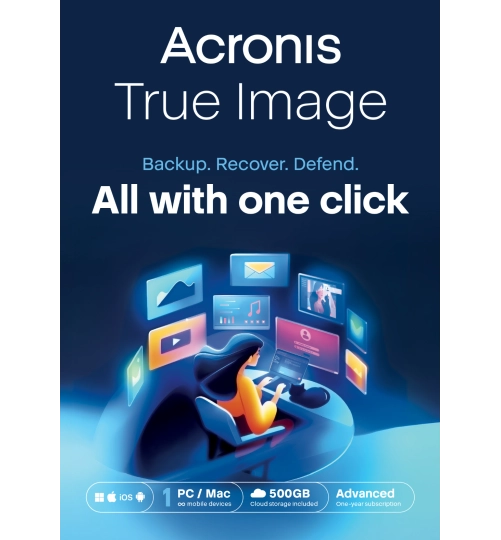
Acronis True Image Advanced | 1 PC | 1 Year | 500 GB Cloud Storage
Free upgrade!
Acronis | 1 year | Backup Software
- Suitable for 1 installation
- Includes 500 GB of online cloud storage
- Access files from anywhere
- Anti-malware protection
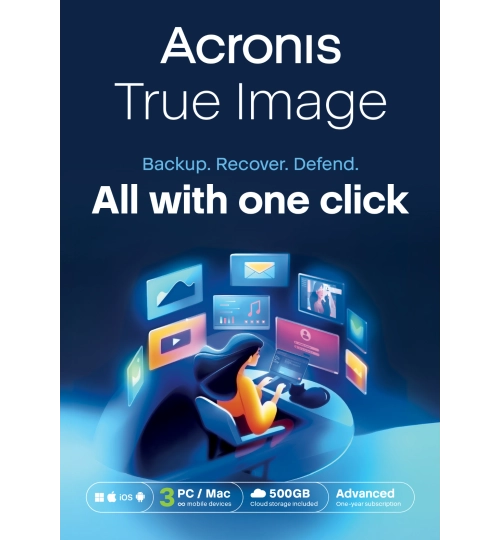
Acronis True Image Advanced | 3 PC | 1 Year | 500 GB Cloud Storage
Savings -38%
Acronis | 1 year | 3 computers
- Suitable for 3 installations
- Includes 500 GB of online cloud storage
- Access files from anywhere
- Anti-malware protection
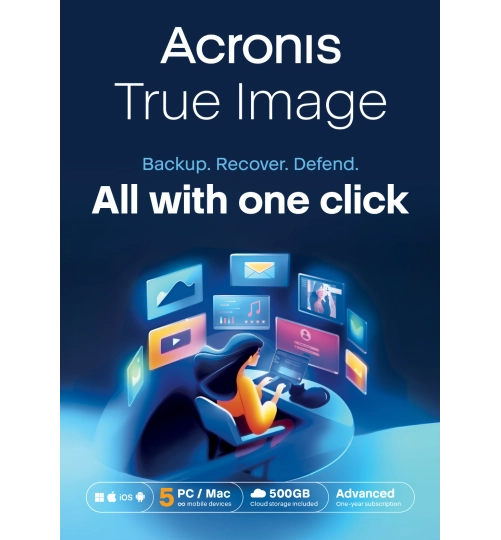
Acronis True Image Advanced | 5 PC | 1 Year | 500 GB Cloud Storage
Savings -49%
Acronis | 1 year | 5 computers
- Suitable for 5 installations
- Includes 500 GB of online cloud storage
- Access files from anywhere
- Anti-malware protection
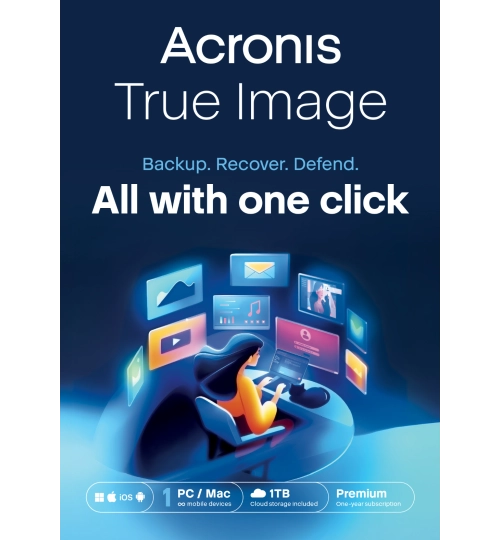
Acronis True Image Premium | 1 PC | 1 Year | 1 TB Cloud Storage
Savings -23%
Acronis | 1 year | 1 computer
- Suitable for 1 installation
- 1 TB secure cloud storage
- AI-powered threat detection
- Protection against ransomware
Acronis True Image Premium | 3 PC | 1 Year | 1 TB Cloud Storage
Savings -19%
Acronis | 1 year | 3 computers
- Suitable for 3 installations
- 1 TB secure cloud storage
- AI-powered threat detection
- Protection against ransomware
Acronis True Image Premium | 5 PC | 1 Year | 1 TB Cloud Storage
Acronis | 1 year | 5 computers
- Suitable for 5 installations
- 1 TB secure cloud storage
- AI-powered threat detection
- Protection against ransomware
Jottacloud Personal Unlimited | 1 User | 1 Year
Savings -8%
Jottacloud | Unlimited devices | 1 year
- Suitable for 1 User
- Unlimited Cloud Storage
- Restore deleted files for up to 30 days
- Access to your files from anywhere
Jottacloud Home | 5 Users | 1 Year
Savings -7%
1 year | Minimal | 5 computers
- 5 TB shared storage for family or friends
- Access your files anytime, anywhere
- Stream photos and videos directly from the cloud
- Backups with version history and restore options
Why choose cloud backups?
A cloud backup is an efficient way to store important files securely, outside your physical devices. Your data is automatically copied to an online storage location, protecting you from hardware failure, fire, or theft. This type of cloud storage offers convenience and continuity without the need to manually copy files.
Access your files anytime, anywhere
Cloud backups ensure that your files are always available across multiple devices, as long as you have an internet connection. This is ideal for users who work in different locations or on multiple devices. Data transfer and storage are encrypted, which is essential for a secure cloud storage setup. You can select which folders or files to sync, and how often backups occur.
Secure storage with automatic encryption
Cloud solutions use strong encryption and protected data centers to secure your information. In many cases, your backup is automatically encrypted before it's uploaded, ensuring your data cannot be intercepted during transfer. This reduces the risk of data leaks and is especially useful when handling sensitive or personal files. Multi-factor authentication and access control add an extra layer of protection.
Backup strategy: combine for maximum safety
A solid backup strategy combines local and cloud storage. This way, you benefit from fast access in case of local failure while remaining protected against physical damage or theft. Automatic cloud backups can be scheduled daily or even in real time, so you always have an up-to-date copy of your files. Need help setting up secure cloud storage? Visit our customer service page for personal support.

