


All password managers
A password manager helps you securely store all your passwords, fill them in automatically, and use strong, unique passwords everywhere. This prevents reuse and immediately increases your digital safety. On this page, you’ll find carefully selected tools – from simple apps to advanced software with two-factor authentication and device sync. Everything you need for secure logins, wherever you are.
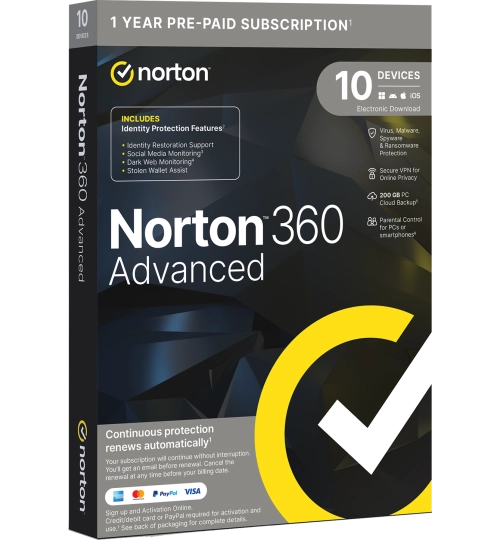
Norton 360 Advanced | 10 Devices | 1 Year
Norton | 10 devices | 1 year
- Suitable for 10 devices
- Identity recovery support
- Social Media Monitoring
- Dark Web Monitoring
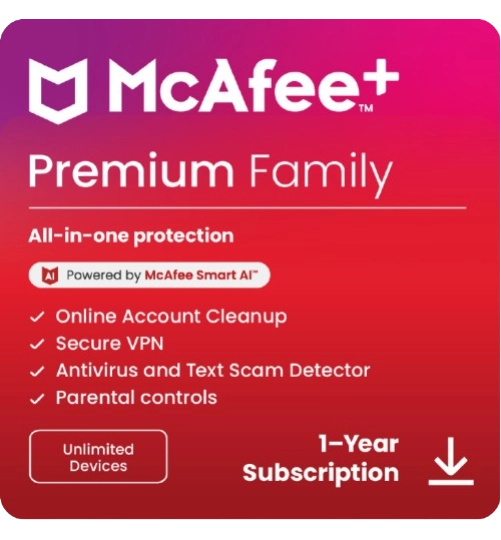
McAfee+ Premium Family | 1 Year | Unlimited Devices
Savings -71%
McAfee | Unlimited devices | 1 year
- Suitable for unlimited devices
- Including Parental Control
- Online Account Cleanup
- Unique Protection Score
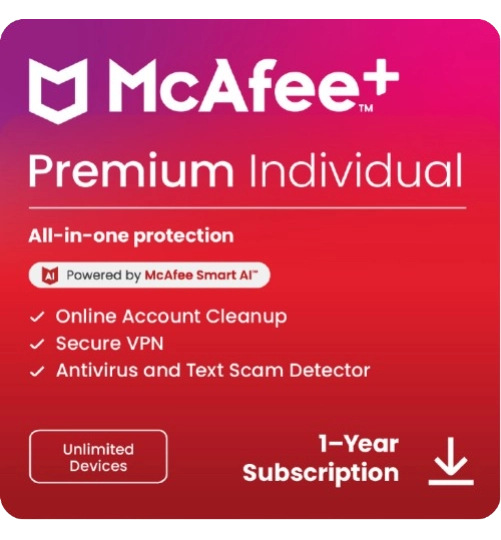
McAfee+ Premium Individual | 1 Year | Unlimited Devices
Savings -77%
McAfee | Unlimited devices | 1 year
- Subscription: 1 Year
- Suitable for unlimited devices
- Secure VPN
- Identity monitoring
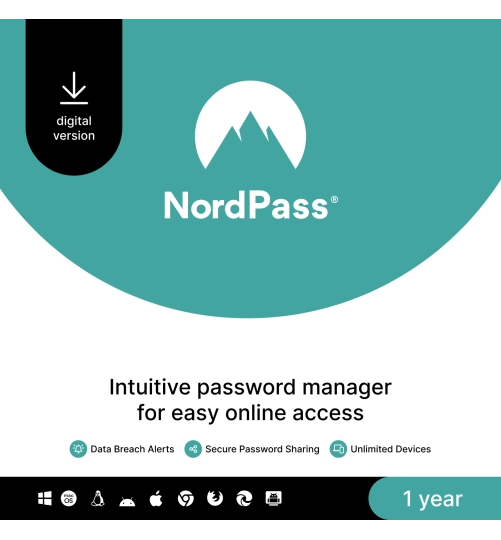
NordPass Premium Password Manager | 1 User | 1 Yea
NordVPN | 6 devices | 1 year
- Everything securely stored in one place
- Alerts you to weak or leaked passwords
- Secure password sharing with end-to-end encryption
- Automatic logins without hassle
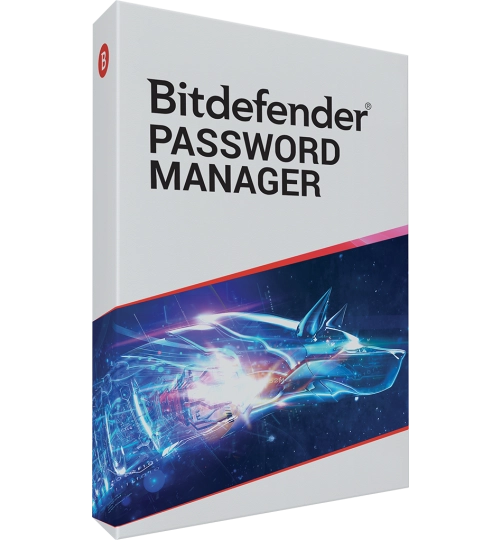
Bitdefender Password Manager | 1 User | 1 Year
Savings -33%
Bitdefender | 1 device | 1 year
- Ease of use and top security
- Available as an app for Android and iPhone
- Automatically checks for weak or reused passwords
- Seamlessly works across all your browsers

McAfee+ Advanced Individual | Unlimited Devices | 1 Year
Savings -67%
McAfee | Unlimited devices | 1 year
- Compatible with: Windows, Mac, Android, iOS
- Online Account Cleanup
- Support from McAfee experts for identity recovery
- McAfee support for lost wallets

McAfee+ Advanced Family | Unlimited Devices | 1 Year
Savings -59%
McAfee | Unlimited devices | 1 year
- VPN + Password management
- Best for Identity and privacy protection
- Online Account Cleanup
- Support from McAfee experts for identity recovery
What does a password manager do, and why do you need one?
A password manager stores all your passwords securely in an encrypted vault. You no longer have to remember strong passwords or create them yourself. The software fills in login fields automatically and works on both desktop and mobile – always with secure sync between devices. This lets you log in faster and more safely across all your accounts.
Standard features you can rely on
All listed password managers meet modern security standards. You get features like autofill assistance, encrypted storage, two-factor authentication, and sync between devices. Some tools also offer shared vaults, ideal for families or small teams. This allows you to manage your login credentials from one central location.
Who should use a password manager?
Anyone with multiple online accounts benefits from using a password manager. Individuals save time and avoid forgotten passwords, while businesses can better protect sensitive data and manage access. All solutions listed on Antivirus.eu work on both PC and smartphone and support the most commonly used browsers and operating systems.
Security, updates, and support
Every password manager on Antivirus.eu is actively maintained and automatically updated. Our customer service is available to help you with setup or usage. This way, password management becomes secure and hassle-free.

