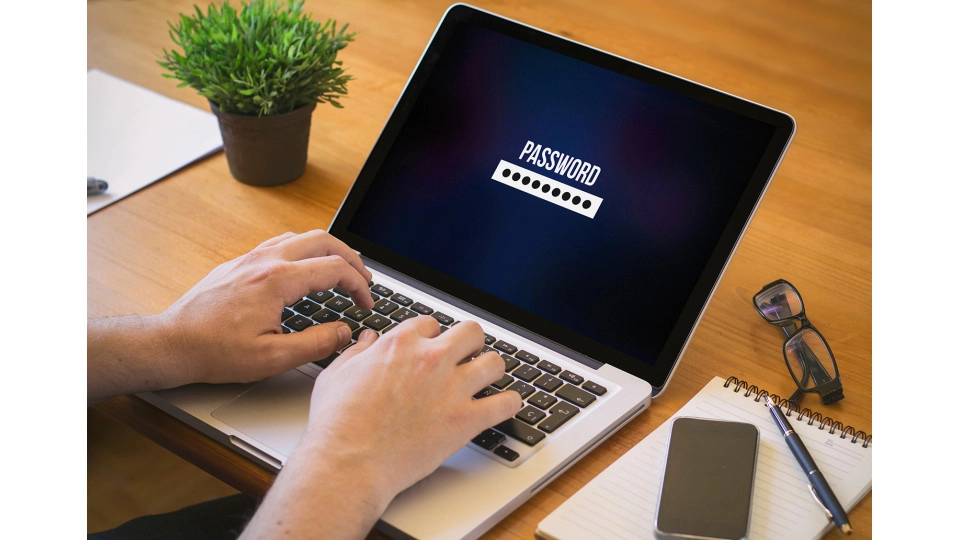

The importance of strong and unique passwords
Summary: why strong and unique passwords matter
Many people use weak or repeated passwords, which increases the risk of misuse. A password manager helps by securely storing strong, unique passwords and filling them in automatically. This means you don’t have to remember them yourself, making your online life safer and easier. From students to entrepreneurs, it’s a smart step towards better digital security.
You’ve probably been there: trying to log in and wondering... was it ‘Welcome2023’, or maybe ‘Welcome2024’? Maybe you even use the same password across different websites—just because it’s easier. But that convenience could cost you dearly.
A weak or reused password is like leaving your house key under the doormat. Handy for you, even handier for someone with bad intentions.
Still, it’s not surprising. Everyone has dozens of accounts these days. How are you supposed to remember all those passwords?
Passwords: the weak spot in many accounts
Many people underestimate how quickly a password can be cracked. And it’s not always a hacker—sometimes it’s just saved somewhere in your email, or it was leaked years ago without you even knowing.
And what if that one password also gives access to your email, your bank, your photos, or your work account? The damage can escalate quickly, emotionally too. Think stolen private messages, orders made in your name, or even identity theft.
What does a good password look like?
A strong password:
- Is at least 12 characters long.
- Includes uppercase and lowercase letters, numbers and symbols.
- And is unique to each account.
But let’s be honest: no one remembers dozens of complex passwords by heart. Luckily, you don’t have to.
How a password manager makes life easier
A password manager is basically a digital vault. You only need to remember one strong master password, and the rest is stored securely and filled in automatically when you log in.
It saves you from frustration and helps you avoid careless mistakes like:
- Writing down passwords or saving them in notes.
- Constantly clicking ‘Forgot password?’.
- Or using slight variations: “Qwerty2023!”, “Qwerty2024!”, and so on.
With a password manager you can:
- Generate strong passwords.
- Securely manage all your accounts across all your devices.
- Autofill your login details whenever you need them.
- Store secure notes with important info like PIN codes.
- Even share login details with family or colleagues.
Something everyone can relate to
- Students juggle countless logins for school, part-time jobs, shopping and subscriptions. One safe place for all those details saves a lot of hassle.
- Older adults may forget or lose their passwords. A password manager brings peace of mind and clarity.
- Freelancers and business owners often use multiple business tools. One secure place for everything reduces risks and saves time.
- Families can share passwords without leaving sticky notes on the fridge or sending them via WhatsApp.
5 tips for safer online habits starting today
- Use a different password for every account.
- Let a password manager generate your passwords.
- Never use names, birthdates or common words.
- Don’t save passwords in your browser or an Excel file.
- Enable two-factor authentication wherever possible.
Final thoughts
No one wants the hassle of managing passwords. But the consequences of a breach can be serious. With a password manager, you no longer have to choose between convenience and security—you get both.
Ready to make your digital life both safer and easier? Head to Antivirus.eu and check out the password managers we recommend – with honest advice and real expert support whenever you need it.