


Microsoft 365 software
Microsoft 365 yearly licences provide full access to Office apps, cloud storage and automatic updates for 12 months. Install on multiple devices and work securely across all platforms.
Microsoft 365 Personal | 1 Person 1 Year
Savings -8%
Microsoft | 5 devices | 1 year
- Suitable for 1 user with up to 5 installations
- Includes Word, Excel, PowerPoint, Outlook, OneNote
- Use on PC or Mac, tablet and smartphone
- 1 TB OneDrive cloud storage
Microsoft 365 Family | 6 People - 1 Year
Savings -6%
Microsoft | 30 devices | 1 year
- Suitable for 6 users, each with 1 TB OneDrive
- Includes Word, Excel, PowerPoint, Outlook, OneNote
- Use on PC/Mac, tablet and smartphone
- Always up to date with the latest features
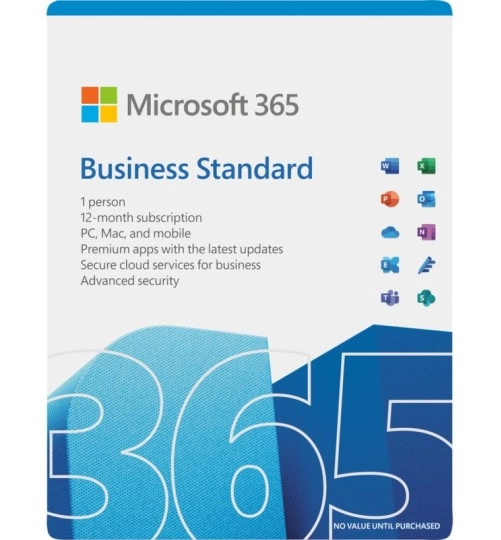
Microsoft 365 Business Standard with product key
Microsoft | 15 devices | 1 year
- Latest Office, no upfront cost
- Exchange email in the cloud
- Centralized user management
- 15 installations per user. (5x Desktop + 5x Smartphone + 5x Tablet)
What is a Microsoft 365 yearly licence?
A Microsoft 365 yearly licence gives you 12 months of access to core Office applications such as Word, Excel, Outlook and PowerPoint. It also includes 1 TB of cloud storage via OneDrive and continuous updates throughout the year. This subscription can be used across multiple devices including PCs, Macs, tablets and smartphones.
Why choose a 12-month licence?
With a Microsoft 365 yearly licence, you get full functionality without committing to a long-term plan. It includes collaboration features like Teams integration, shared calendars and real-time file syncing. At the end of the year, you decide whether to renew—there is no automatic extension from the supplier, giving you full control over your software access.
Use across all your devices
Yearly licences are ideal for users who work on more than one device. Whether you use Windows, macOS, iOS or Android, you can install the software on multiple platforms with one licence. Your files stay synchronised through the cloud, and your apps stay up to date through automatic updates—no manual installation required.
Suitable for home users and small teams
Microsoft 365 yearly licences are perfect for individuals, families or small teams who want access to trusted software without monthly payments. If you need help activating or managing your subscription, our customer service page provides practical guidance and support.

